Custom Field Values on Project Folders
Custom field values can now be set on a folder from the folder's ⋮ menu → Edit. Every project in the folder and its subfolders inherits…
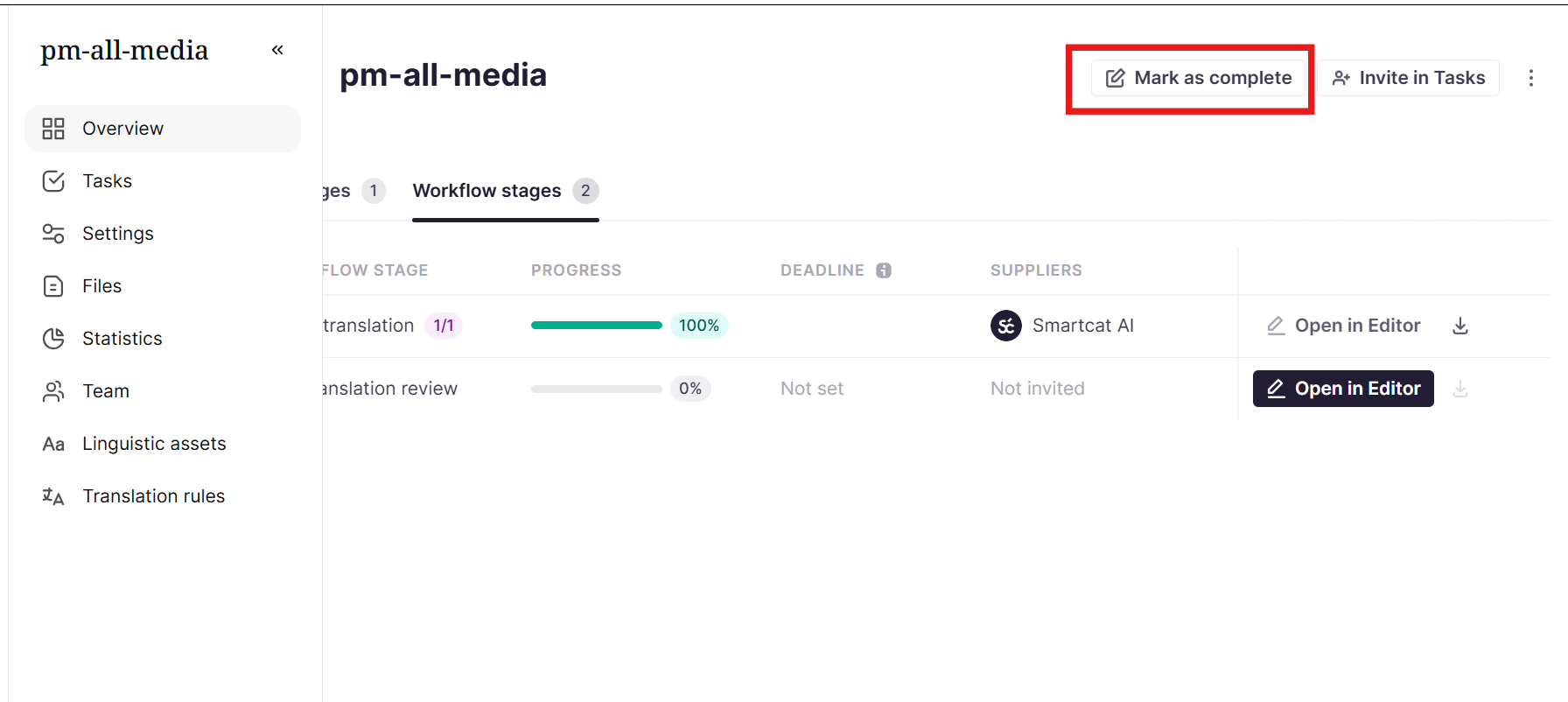
Projects can be marked as complete from any state, even when they haven't reached 100%. This is useful when a project isn't meant to be fully reviewed in every target language, when a review process changes but a workflow stage can't be removed once it has been started or assigned, or when a project needs to be closed out for any other reason.
The Mark as complete button is on the project overview page and opens a confirmation dialog. If the project has no active assignments, the dialog offers a single-click confirmation. If active assignments are about to be canceled, the project name must be typed to confirm. Any partially completed work is recorded and must be paid for by the client. A project that was closed early can be reopened with Mark as not complete, although this does not bring back existing assignments.
To learn more in our Mark a project as complete help center article.